
Comparison
Finita vs. Asana: A calm Asana alternative
Asana is built for team coordination. Finita is built for calm, focused execution.
Asana is a mature, feature-rich project management tool with automations, portfolios, and workload views. For large teams with complex workflows, it earns its place. But for smaller teams and solo contributors, those features generate overhead, and the notifications never stop. Finita takes the opposite approach.
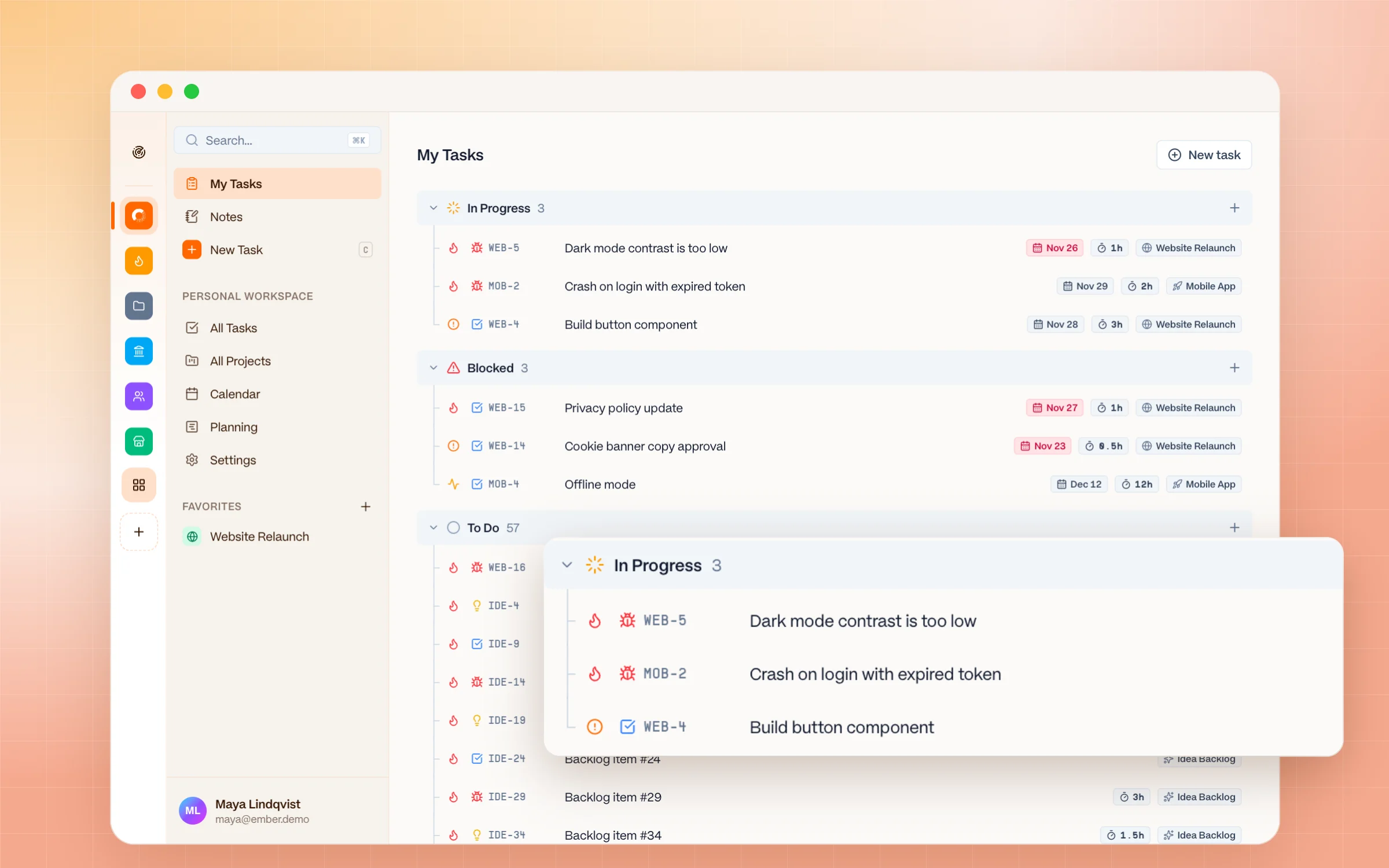
What you get with Finita instead
A dashboard that tells you what's next
Do Next ranks open tasks by due date and priority, with a label for why each one is there, such as Overdue or Due today.
Priorities vs. reality
See each project's share of your recent work next to the share its priority asks for, and catch a low-priority project quietly eating your week.
Recurring tasks without rules
Set a task to repeat daily, weekly, monthly, or yearly. The next one appears when you finish, with no automation to maintain.
No notifications to mute
Finita never pings you. Each project has an activity log you can open when you want to know who changed what.
Finita vs. Asana: feature comparison
Last reviewed October 2026. Asana prices are list prices per user per month, billed annually, and can change. Check Asana's pricing page for current figures.
Why people move from Asana to Finita
Notification overload killing focus
Asana sends notifications for every task update, comment, and due date change. For solo contributors or small teams, this creates constant interruption with little benefit.
Automations becoming their own maintenance job
Rules and automations are powerful, but they need to be created, tested, and maintained. For small teams, the automation overhead exceeds the time saved.
Reporting built for managers, not makers
Portfolio and workload views are valuable at scale. For a 3-person team, one dashboard that says what to do next, and why, is all the reporting you need.
Per-seat pricing that scales painfully
Adding a part-time collaborator or freelancer bumps costs significantly. Finita's flat pricing removes that friction.
When Asana is the right choice
Asana is the right choice for larger teams with complex approval workflows, client-facing project tracking, or teams that need workload management across many parallel projects. The automation engine is genuinely powerful at scale.
When Finita is the right choice
Finita is the right choice if you're a small team or solo operator who wants to plan work and execute without managing the tool itself. If Asana's features are mostly noise for your team, Finita cuts through to what matters.
Finita vs. Asana: frequently asked questions
Is Finita a good Asana alternative for small teams?
Yes. Asana's automations, dashboards, and notifications are built for large teams. Finita strips that back to calm planning and execution for teams of 1–10 people.
Does Finita have automations like Asana?
No, and that's intentional. Rules have to be built, tested, and maintained. Finita builds in the few automatic behaviours small teams actually need: recurring tasks create their next instance when you complete them, and done tasks archive themselves after 14 days.
How does Finita pricing compare to Asana?
Finita is free for 2 collaborators, then €5/seat/month flat. Asana's paid tiers run roughly $11–$25/user/month, so costs rise faster as you add people.
Can't I just turn off Asana's notifications instead of switching?
You can mute some, but Asana is designed around updates and activity. Finita removes notifications entirely, so calm is the default rather than something you maintain.
Keep exploring
Try the alternative
Ready to work without the noise?
Finita is free to start. No configuration required. Just open it and get to work.
No notifications • No setup • Cancel anytime